Print planning and plate changes
Plan job sequences and plate layouts so that makeready effort and material consumption go down.
Software for prepress
Since 1988 ArtCom has been developing software that connects data flows, simplifies production planning and automates recurring steps – for offset, flexo and gravure printing.

Overview
Prepress connects the finished design with the running press. This is where data is checked, items are arranged, colors are defined and production data for plates, cylinders or proofs is generated.
The exact sequence differs by printing process and by company. What matters is a reliable data flow without unnecessary manual handovers – from job intake through to approval.
Printing processes
Preflight, color management and approval stay the same across all processes. What differs is the end result of prepress – a printing plate, a printing sleeve or an engraved cylinder.
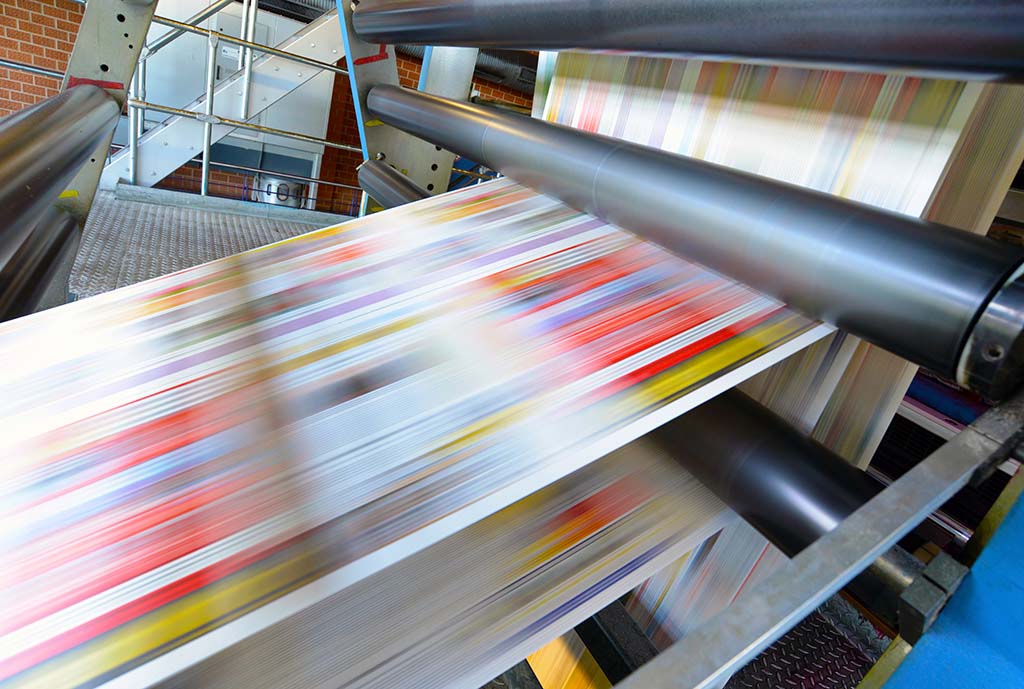
Focus on sheet imposition and plate layout: arrange the items, assign plates sensibly and reduce the makeready effort at every plate change.
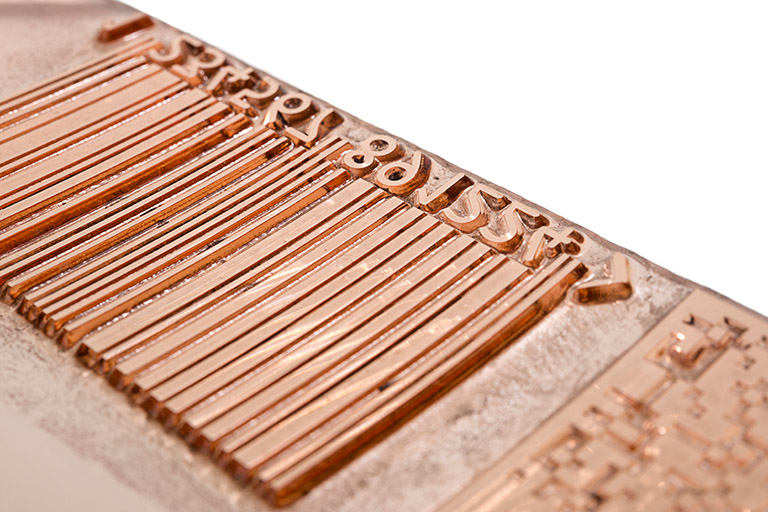
Focus on arranging the printing forms and on screening: position sleeves and items, match screens and tone value curves.
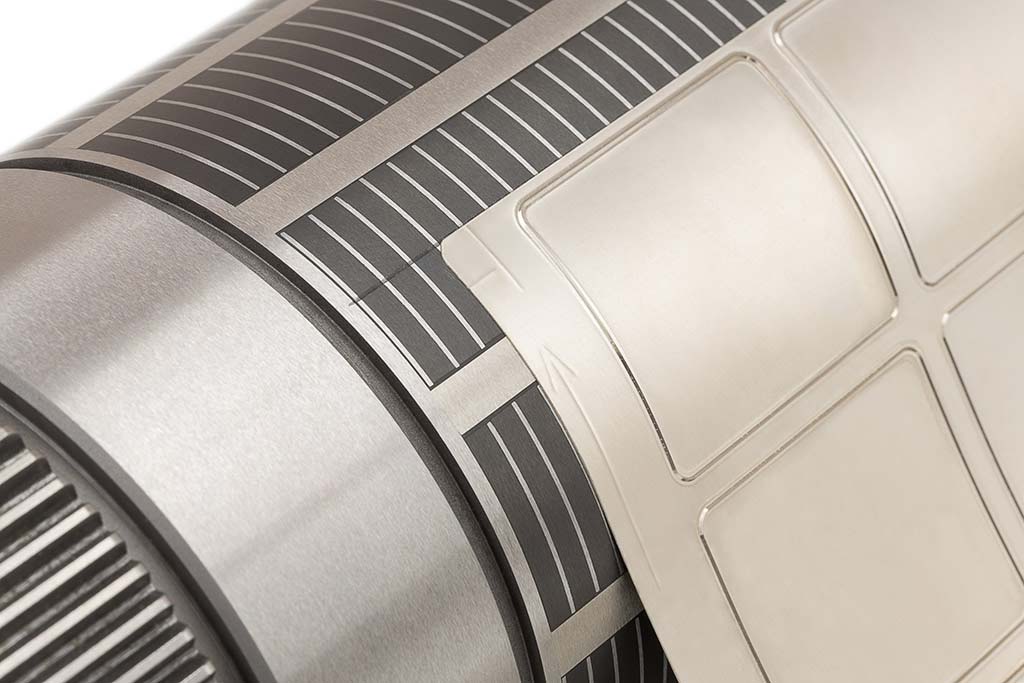
Focus on cylinder layout and engraving data: plan circumference and repeat, generate engraving data and screening parameters.
Day-to-day production
Not every problem needs a complete system. ArtCom modules can be deployed and combined to fit the process you already have.
Plan job sequences and plate layouts so that makeready effort and material consumption go down.
Transform color spaces in a controlled way and judge print results reliably on screen.
Bring together and monitor milestones, data versions and approvals in the browser.
Inspect production PDFs in the browser, examine color separations and make changes between file versions visible.
Generate complex layouts, screens and engraving data for gravure, flexo and anilox applications.
Sequence
The modules can be used on their own or as connected building blocks. The exact sequence depends on the printing process, the machinery and the systems already in place.
Organize data versions, deadlines and approvals.
WebCheckArrange items, jobs and plates efficiently.
Impose · PlateManagerTransform color spaces and optimize ink usage.
ColorXChangeOutput RIP, plate or cylinder data.
DLManager · FlexoManagerReview results on screen and coordinate them.
PressProof · SoftproofSoftware
From a single process building block to an integrated workflow: the products cover different tasks and printing processes.

The swiss army knife for offset and gravure printing

Control and save ink with precise color space transformation for all print methods

Cylinder layouts for laser engraving in gravure, flexo and anilox production

Manage plate changes, replacement plate orders and version approvals at the press console
The final proof - color consistency at prepress
Softproof in your browser at your control

Inspect production PDFs in detail and make changes visible

Production flow, approvals and communication perfectly under one roof

Software package for creating engraving data for packaging gravure printing
Fully automatic and optimal arrangement of print jobs
Technology base
Proven components for rendering, screening, trapping and automation form the technical basis of many ArtCom solutions.
Since 1988
ArtCom was founded by a team of computer scientists at the University of Bremen. Today its solutions are used worldwide in gravure and offset prepress as well as in flexo printing.
Frequently asked questions
Prepress covers every step between the finished design and the printing press: data intake and preflight, imposition, color management, RIP, plate layout or cylinder engraving, plus proofing and approval.
Depending on the printing process, this includes workflow and RIP systems, tools for preflight and imposition, color management and proofing solutions, and software for plate layout or cylinder layout.
Offset printing focuses on sheet imposition and plate layout, gravure on cylinder layout and engraving data, and flexo on arranging the printing forms and on screening. Preflight, color management and approval remain important across all processes.
Yes. Many recurring steps can be automated, from data intake through production planning and RIP to checking and approval. Which modules make sense depends on your existing workflow and printing process.
Plan magazine production with ArtCom: impose pages, optimize production sequences in Impose and manage plate changes at the press console with PlateManager.
Learn moreFlexoManager for cylinder engravers: step and repeat, specialty screens and engraving data for packaging, decor and tissue. TIFF, PDF and PostScript input.
Learn moreNext step
We look at your current workflow and work out together where automation and integration deliver the greatest benefit.
 Adobe PDF Print Engine
 ArtRipX
 ArtTrap
 Workflow Manager
 ArtRobot
 ArtScreen